Frequently asked questions
What captures are available on PlayStation App?
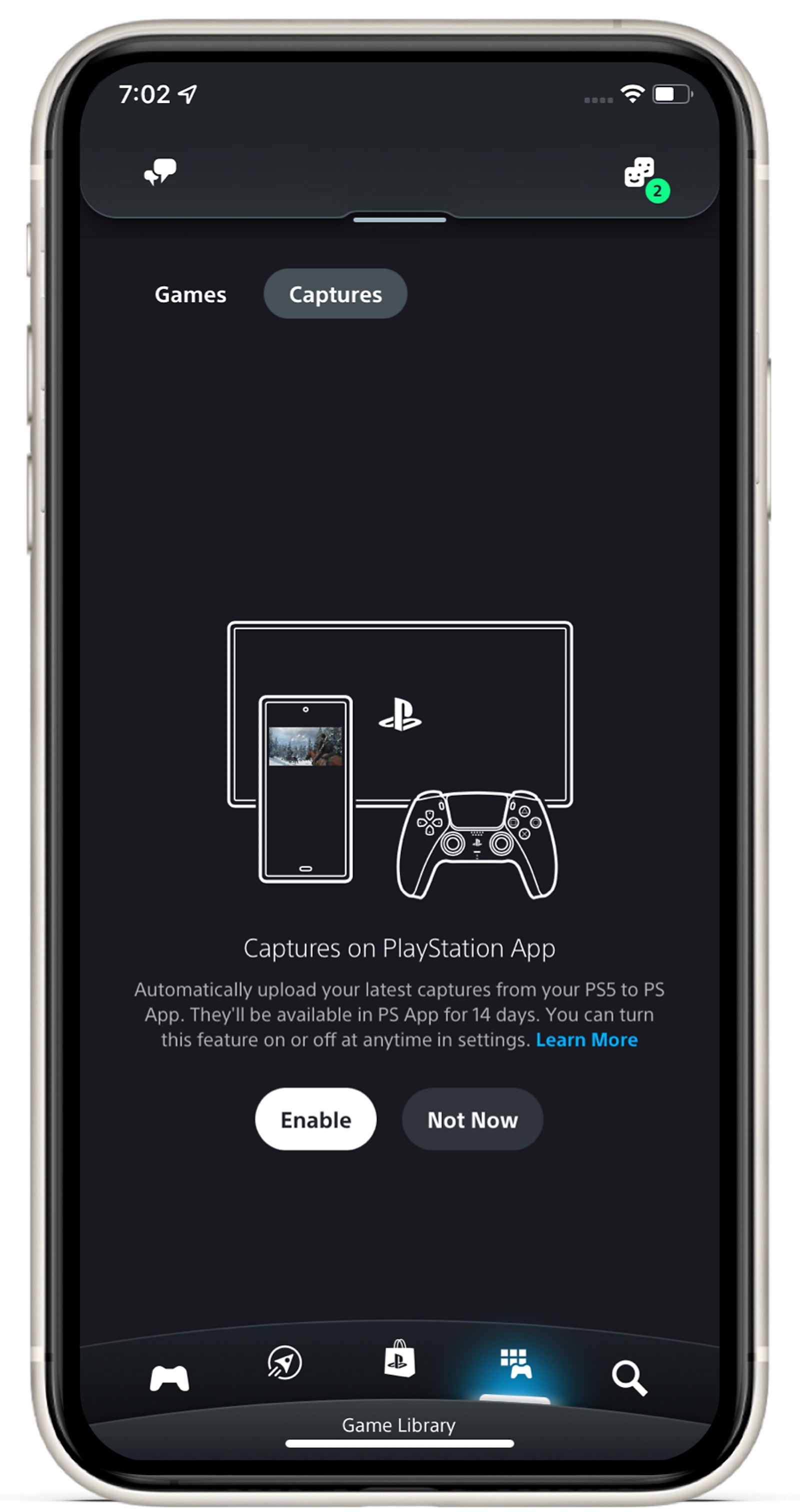
Video clips and screenshots of games are available in this app for 14 days after you manually create them on your PS5 console. Trophy moments and Activity Challenge auto-captures aren't uploaded.
What video clips can be accessed on PlayStation App?
Your video clips up to 1920x1080 in resolution and up to 3 minutes in duration are uploaded. Video clips saved in a higher resolution will not be uploaded.
Can I use captures without Wi-Fi?
Yes. Please note that downloading or sharing videos with other apps might require a lot of mobile data.
Do I need a PlayStation Plus subscription to use this feature?
No. Your captures are stored for 14 days on SIE's cloud servers in order to make them available to you via PlayStation App.
I've just enabled this feature. Why don’t I see any captures from the last 14 days?
You will begin to see captures after this feature is enabled. Content captured on your PS5 console before activating this feature is not available for sharing.
Will the video clip recordings include audio?
Yes, video clips include audio from your microphone or from party voice chat, if enabled.
Will deleting a screenshot or video on my console also delete it from PlayStation App?
No. Captures can still be accessed on PlayStation App for 14 days if the Capture setting has been enabled.